

Advanced Practices for Effective Debugging and Bug Reproduction

Ayush M.

Jan 08, 2026

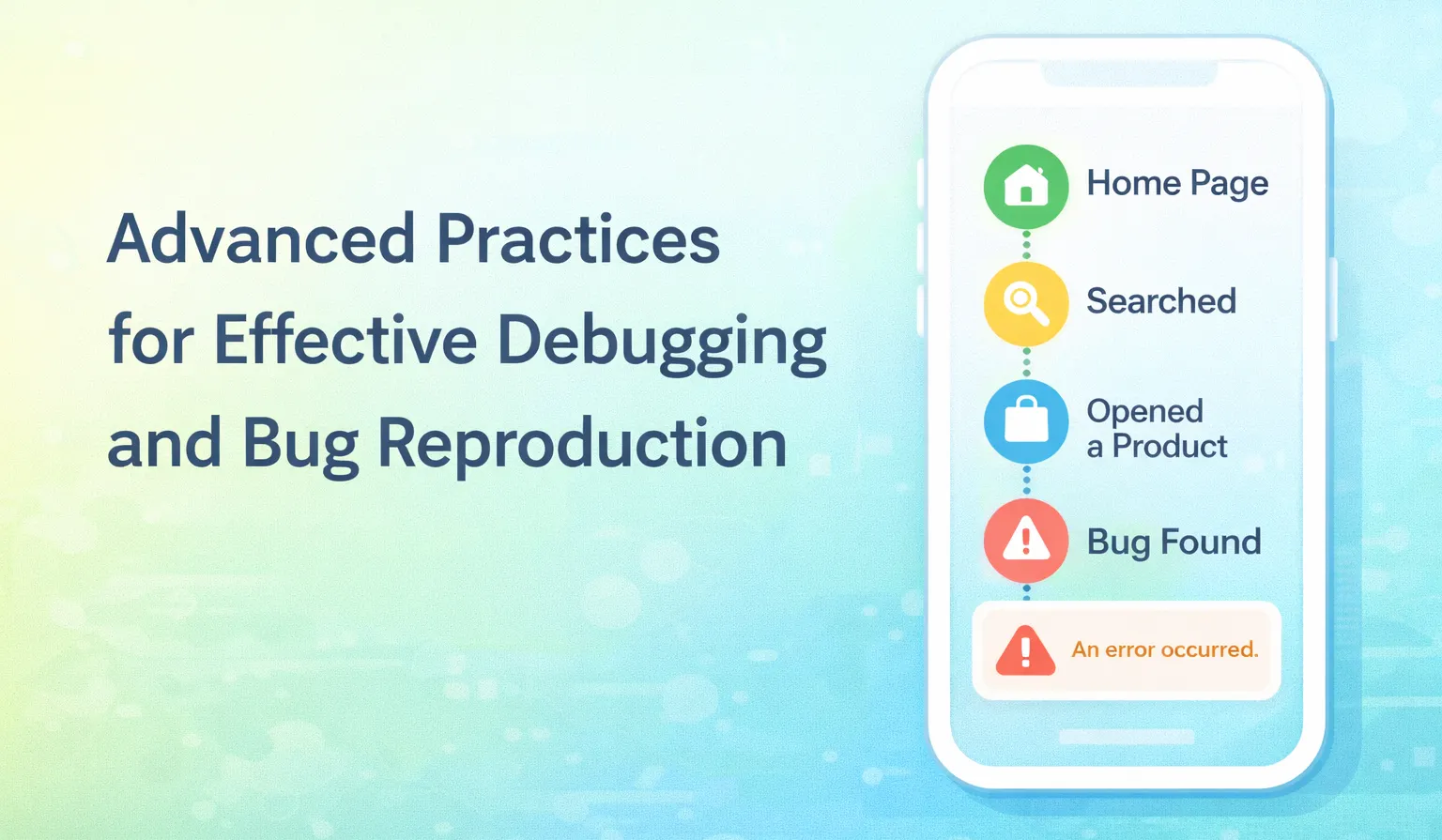
In modern software systems, understanding real user behavior is just as critical as validating expected functionality. User event tracking gives QA teams deep visibility into how products are actually used — revealing behavioral patterns, edge cases, and unexpected system responses that rarely surface in controlled test environments.
When combined with disciplined bug reproduction practices, this data allows teams to move beyond assumptions and guesswork. The result is faster issue isolation, clearer bug reports, and more effective collaboration with development teams — ultimately improving release confidence, defect turnaround time, and overall product quality.
Leveraging User Action Event Tracking for Debugging
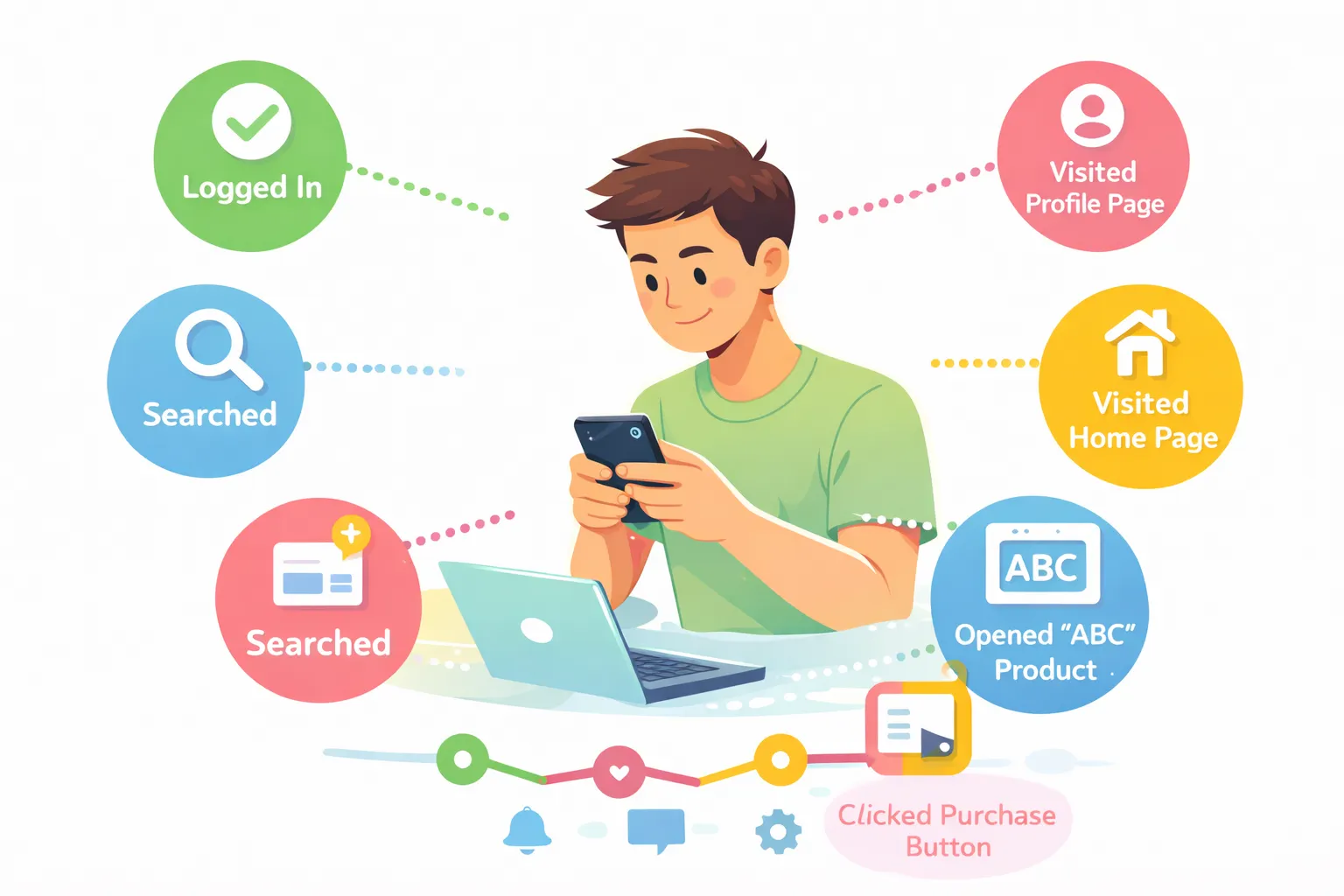
Integrating user event tracking is one of the most effective approaches for investigating production issues. Beyond identifying reproducible paths and root causes, it also helps surface suspicious or abnormal user behaviors that may impact the business — even when no technical defect exists.
Example:
Consider an e-commerce platform where users can purchase and return clothing items. The application may function correctly from a technical standpoint, yet event tracking might reveal a user repeatedly purchasing items, briefly using them, and returning them without completing any genuine purchase.
While this isn’t a code-level bug, it represents a clear business risk. Without behavioral analytics, such patterns would likely go unnoticed. This highlights how event tracking supports both technical debugging and business-level monitoring.
Common Platforms Used for User Event Tracking and Debugging
Several platforms help teams monitor user actions and system behavior effectively:
Mixpanel
Tracks granular user interactions such as button clicks, screen views, form submissions, and feature usage. Events can include rich metadata (user type, device, flow stage), enabling:
- Funnel and drop-off analysis
- Engagement and adoption tracking
-
Segment-based behavior insights
Events can be fired from both frontend and backend systems once actions are successfully completed.
Customer.io
Focuses on activity-driven communication. It tracks events like sign-ups, logins, purchases, and feature usage to trigger automated workflows and campaigns.
With contextual attributes (plan type, product viewed, timestamps), teams can build precise onboarding, re-engagement, and conversion journeys.
Telescope
Provides backend-level observability by capturing logs, API requests, background jobs, exceptions, and database queries. It offers real-time visibility into request lifecycles and is especially valuable for:
- Backend debugging
- Failure analysis
- Performance investigations — all without extensive custom logging.
Collectively, tools like Mixpanel, Customer.io, and Telescope provide end-to-end observability across user behavior, messaging workflows, and backend execution. Additional platforms such as Firebase Analytics further complement this ecosystem.
Approaches to Reproduce “Random” or Intermittent Bugs
Intermittent issues often occur under rare conditions, timing constraints, or environment-specific scenarios, making them difficult to catch during standard test cycles. In many cases, QA teams must debug these issues without direct user follow-up.
When a user reports such an issue, the following preparatory steps are essential:
- Analyze the user’s report step by step
- Collect relevant user account information
- Identify device, OS, browser, and app version details
- Review historical user activity and event logs
Best Practices for Reproducing Intermittent Issues
1. Replicate the User’s Environment
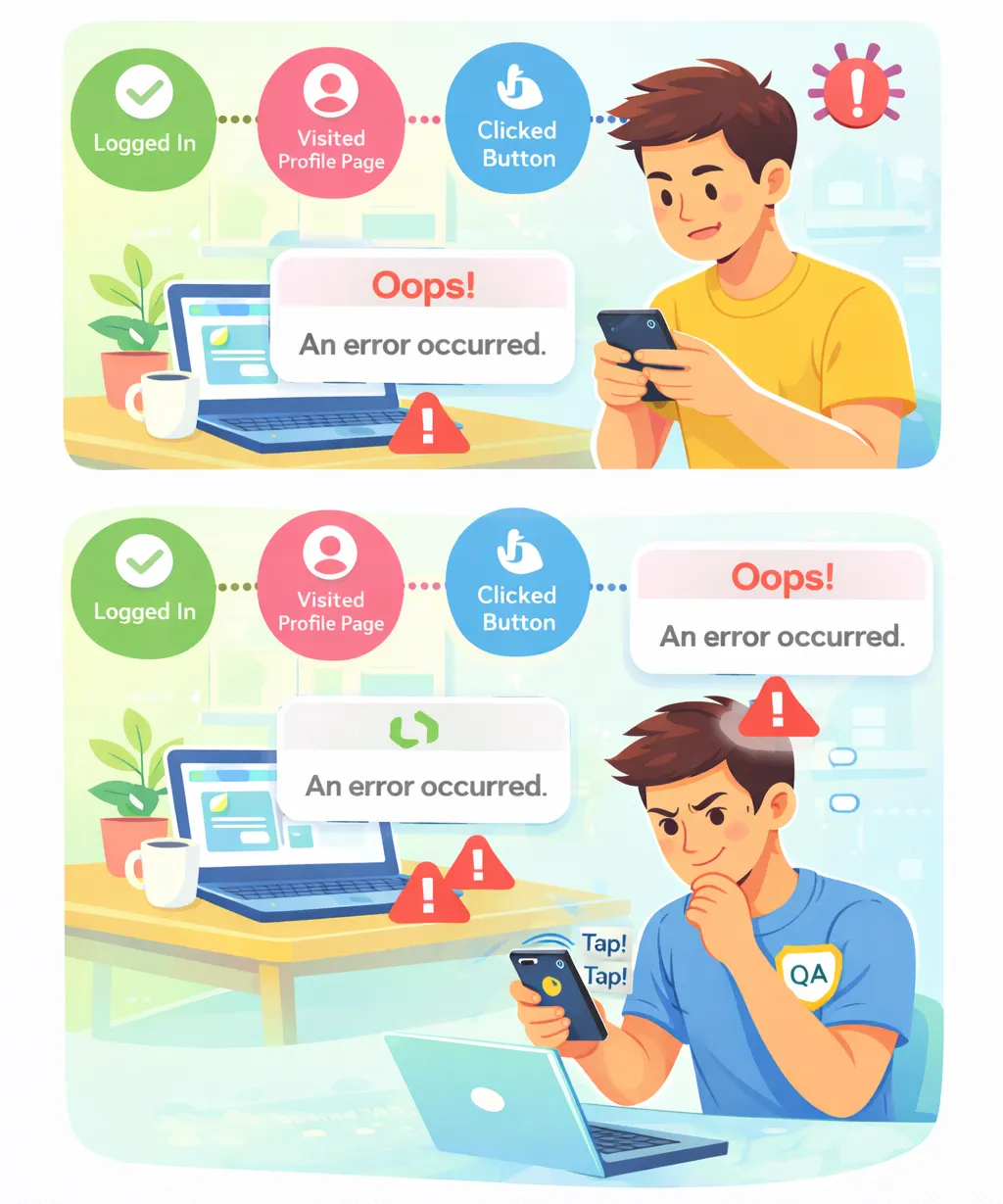
- Match the user’s device, OS, app version, browser, and network conditions as closely as possible. Intermittent issues often hinge on subtle environment differences rather than functional logic.
2. Follow the Exact Sequence of Actions
- Order, timing, and navigation paths matter. Deviating from the original flow can hide race conditions or state-related failures.
3. Test Related Flows and Edge Cases
- The failure point is often downstream from the cause. Adjacent flows and partial actions frequently expose hidden dependencies.
4. Prioritize Recently Changed Functionality
- New or modified code is the most common source of regressions and unstable integrations.
5. Test Across Platforms and Network Conditions
- Unstable, slow, or switching networks frequently surface retry, timeout, and caching issues that never appear in ideal environments.
6. Validate Cross-Feature Interactions
- Some defects only occur when multiple features interact or share state — especially background processes overlapping with active user flows.
7. Use Exploratory (Monkey) Testing
- Deliberately interact with the system in unscripted or irregular ways — rapid navigation, repeated actions, or unexpected sequences — to expose race conditions and fragile state handling that scripted tests miss.
8. Check Device States and Settings
- System-level settings (permissions, language, orientation, battery-saving modes) can materially alter runtime behavior and background execution.
Conclusion
Effective debugging and bug reproduction require more than functional testing alone. By combining structured reproduction techniques with comprehensive user event tracking, QA teams gain clearer visibility into real-world behavior, reduce ambiguity, and deliver higher-quality outcomes.
This approach elevates QA from reactive issue detection to proactive quality engineering.
Pairing disciplined reproduction practices with user event tracking gives teams the clarity needed to debug faster, collaborate better, and build more resilient systems. If you found this useful, follow us for more practical insights on debugging, QA practices, and building reliable production systems.