

Building an AI-Guided Camera Coach on iOS with ARKit & Vision

Debakshi B.

Feb 5, 2026

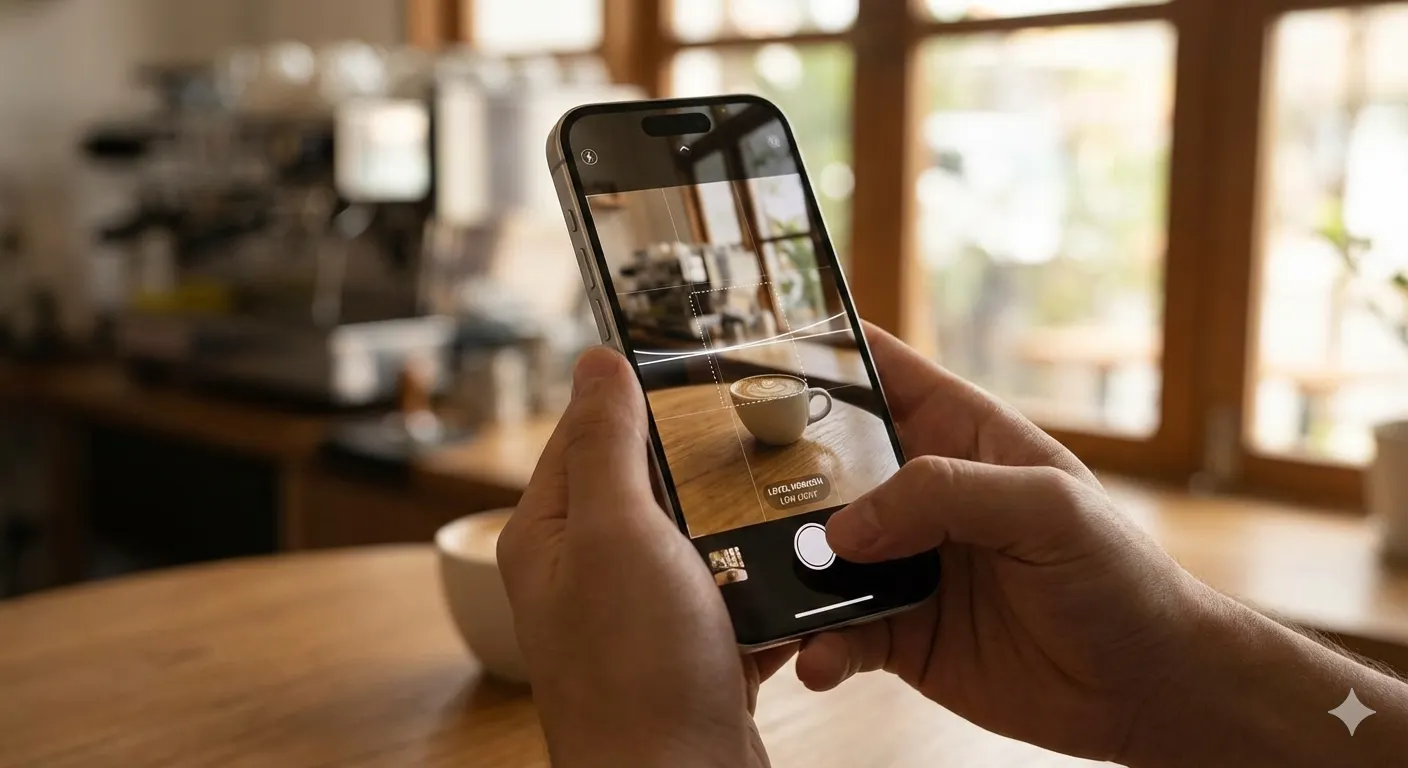
We set out to build a camera experience that behaves less like a passive sensor and more like a working photography assistant. Not a post-hoc critique after the shutter fires, but guidance while the frame is still live. That constraint shaped every architectural choice: latency mattered more than model sophistication, and signal quality mattered more than clever prompts.
On iOS, that meant leaning on ARKit for continuous scene context, Vision for semantic understanding, and lightweight AI inference where it actually changed user behavior before capture.
Start with the frame, not the photo
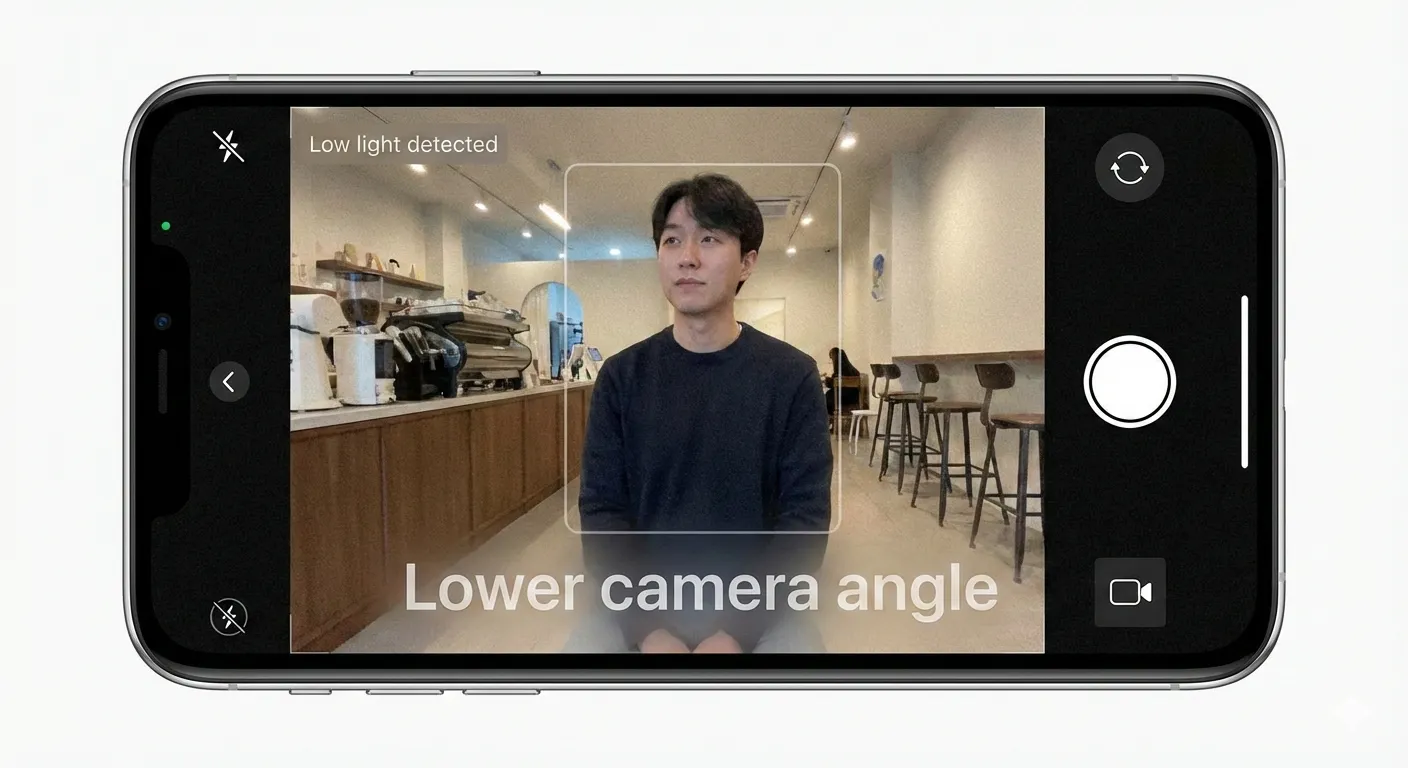
We initially prototyped this with AVCaptureVideoDataOutput. The result worked functionally, but every downstream inference had to reconstruct context—orientation, stability, lighting—from pixels alone. That guesswork added latency and uncertainty we couldn’t recover from later.
The core loop begins with live frames. We don’t wait for a still image. ARCameraView wires directly into an ARSessionDelegate, passing each ARFrame upstream:
That single decision unlocks everything else. An ARFrame carries camera pose, light estimates, anchors, and timing guarantees that standard AVCaptureVideoDataOutput does not. We can reason about orientation drift, lighting direction, and scene stability without guessing.
Throttle aggressively or lose the user
Raw frames arrive at 60fps. Guidance should not.
ARSceneAnalyzer enforces a hard analysis interval:
Three seconds was not arbitrary. In internal tests (iPhone 14–class devices, late 2024), anything below two seconds felt “nagging.” Above four seconds, users missed the moment.
This became the first durable heuristic in the system: real-time guidance must feel patient, even when computation is fast.
Cheap signals before expensive intelligence
Before invoking any model, we extract what the device already knows.
Lighting comes straight from ARKit’s light estimate:
Composition starts with camera pose math, not object detection:
These signals are deterministic, cheap, and explainable. They also fail gracefully. If ARKit can’t estimate something, we simply say nothing.
Scene change detection beats frame-by-frame analysis
The fastest way to waste battery is to analyze the same scene repeatedly.
SceneChangeDetector uses a perceptual hash over an 8×8 grayscale image and a Hamming similarity threshold:
This does two things. It ignores micro-movement like hand tremor, and it surfaces meaningful changes like reframing or subject movement. Only then do we re-enter the guidance loop.
The heuristic here is durable: guide on intent shifts, not noise.
Vision is for semantics, not geometry
We intentionally defer Vision analysis:
This runs only when composition guidance needs subject awareness. Geometry — horizon, tilt, angle — comes from ARKit. Semantics — people in frame — come from Vision. Mixing the two earlier increased latency without improving outcomes.
Limit guidance or users stop listening
Every analysis can surface multiple issues. We deliberately cap output:
Two prompts is the upper bound before cognitive load spikes. Priority sorting happens upstream so the most actionable advice survives.
This is reinforced again at the AI layer. When we call Claude, the prompt enforces a single imperative tip, 4–8 words, no hedging. If the frame already works, the model is allowed to say so and stop.
AI as synthesis, not perception
The AI service never sees raw AR data. It sees images and structured context:
- User role (photographer, model, both)
- Aesthetic profile distilled from liked and disliked photos
- The last tip delivered, to avoid repetition
We are not asking for creativity. We are asking for judgment under constraints. The post-processing step trims verbosity and enforces imperative language:
If a tip cannot survive that filter, it was not actionable enough.
Sessions matter more than shots
Guidance is contextual across time. SessionManager tracks duration, photos taken, and guidance delivered. Feedback prompts are gated:
- Minimum 30 seconds
- At least one photo or one tip
This prevents polluting the learning loop with low-signal feedback.
What breaks if you skip these constraints
If you analyze every frame, battery drains and guidance feels frantic.
If you rely solely on AI, latency kills immediacy.
If you deliver unlimited tips, users ignore all of them.
The system works because each layer does less than it could, on purpose.
Final Thoughts
If you are building a similar experience on iOS:
-
Start with
ARFrame, even if you think you only need images. - Add a scene-change gate before any expensive work.
- Cap guidance output ruthlessly.
- Treat AI as a synthesizer of signals, not the source of truth.
The durable heuristic is simple: real-time coaching succeeds when restraint is part of the architecture.